Articles · For Creators
Leave WordPress without losing Google.
The fear that keeps people on WordPress for years: "my old posts rank — if I move, I lose that." Here's the honest answer: you lose it only if you skip one boring step.
The redirect rule
Google's trust lives on your URLs. When you move platforms, every address
that earns traffic must 301-redirect to its new home —
that's how Google (and every old backlink) follows you. Ghost supports
this natively with one redirects file: if WordPress used
/2023/05/post-name/ and Ghost uses /post-name/,
a single pattern rule forwards everything at once.
Done right: rankings wobble 2–4 weeks, then recover. Skipped: years of Google trust gone in a day. That's the entire SEO risk of the move — it's not mysterious, it's just skipped because it's boring.
The safe order of operations
1. Export everything today — posts (Tools → Export) and your full subscriber CSV, before you decide anything. 2. List your top 20 URLs by traffic in Analytics or Search Console — these get hand-checked. 3. Import to a staging Ghost site and verify those 20 posts: images, formatting, embeds. 4. Write the redirects file before the domain moves. 5. Point the domain, submit the new sitemap in Search Console. 6. Keep the old site up 30 days — cheap insurance while traffic settles.
What you get on the other side
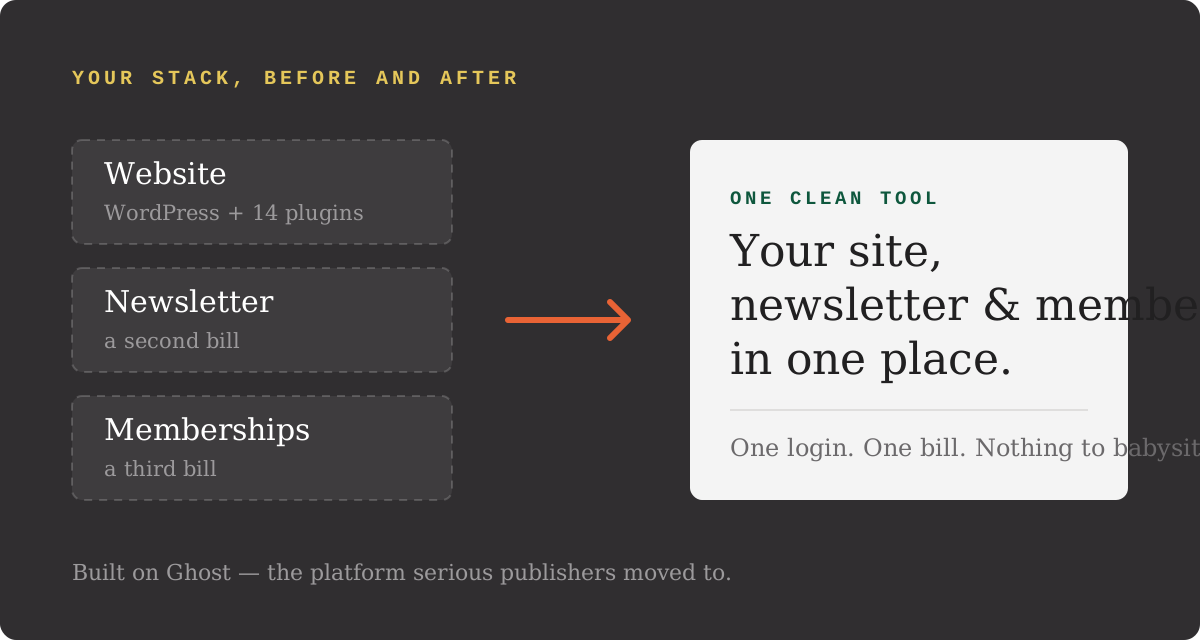
One tool instead of a plugin stack: your site, newsletter, and paid memberships in one place, nothing to babysit, 0% platform fee. The full before/after is in our Ghost vs Substack comparison — and the whole move, step by step, is the free WordPress Escape Plan.
Common questions
Will I lose my Google rankings if I move from WordPress to Ghost?
Not if you set redirects. Every old URL that earns traffic must 301-redirect to its new address on the Ghost site. Done right, rankings wobble for 2–4 weeks and recover. Skipped, years of accumulated Google trust can evaporate in a day — this one step is the entire SEO risk of the move.
How do redirects work in Ghost?
Ghost supports a redirects file natively (Settings → Labs → Redirects). If WordPress used /2023/05/post-name/ and Ghost uses /post-name/, one pattern rule forwards every post at once. No plugin needed.
How long does a WordPress to Ghost migration take?
For most creator sites: a weekend. Export from WordPress, import to a Ghost staging site, hand-check your top posts, set redirects, point the domain. Keeping the old site up for 30 days as a safety net costs nothing and catches anything you missed.
Does Ghost handle SEO as well as WordPress?
Better out of the box, honestly. Clean HTML, fast pages, built-in meta and canonical tags, no plugin stack to configure or slow you down. Most of what Yoast sells you is Ghost's default behavior.